
The PSER Punjab gov pk Registration Online portal is the official digital gateway to the Punjab Socio-Economic Registry, a province-wide initiative launched under Chief Minister Maryam Nawaz Sharif to identify deserving families for social welfare programs.
What You Will Learn From This Guide:
- Step-by-step online registration process for PSER Punjab gov pk
- How to check PSER eligibility and understand your PMT score
- Document requirements and common registration mistakes to avoid
- Connection between PSER and major schemes like Solar Panel, Himmat Card, and Ramzan Package
- Troubleshooting solutions for OTP issues, verification delays, and application rejections
Key Takeaways
- PSER is Mandatory: Registration is now a prerequisite for all major Punjab government welfare schemes, including the CM Solar Panel Scheme, Nigahban Rashan Program, and Himmat Card.
- Completely Free: No fee is charged for PSER registration—anyone demanding payment is committing fraud; use only official channels.
- PMT Score Determines Eligibility: Your Proxy Means Test score, calculated from household data, directly decides which programs you qualify for.
- Accuracy Matters Most: Providing false information leads to permanent disqualification and legal action; honest reporting ensures fair targeting.
- Multiple Registration Channels: You can register online at
pser.punjab.gov.pk, through the mobile app, or by visiting any of the 5,000+ designated centers across Punjab.
- Read More: 9999 Web Portal | 9999 Online Check 10000 (PM Ramzan Package)
- Read More: Maryam Nawaz Eidi Scheme (Get PKR 5000/-) | Apply Online
- Read More: Maryam Nawaz 10000 Ramzan Package [Apply Online]
- Read More: Shahbaz Sharif Ramzan Package (Registration PKR 13000)
PSER Punjab gov pk Registration Online | PSER Check Eligibility
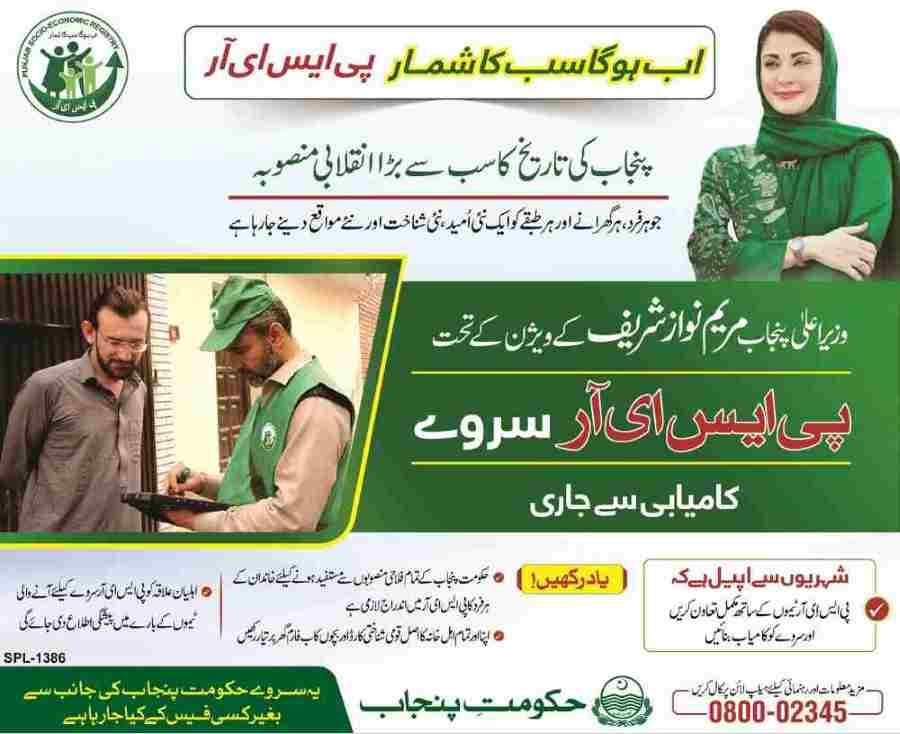
Table Of Contents
What is the PSER Punjab Registration? Understanding the Punjab Socio-Economic Registry
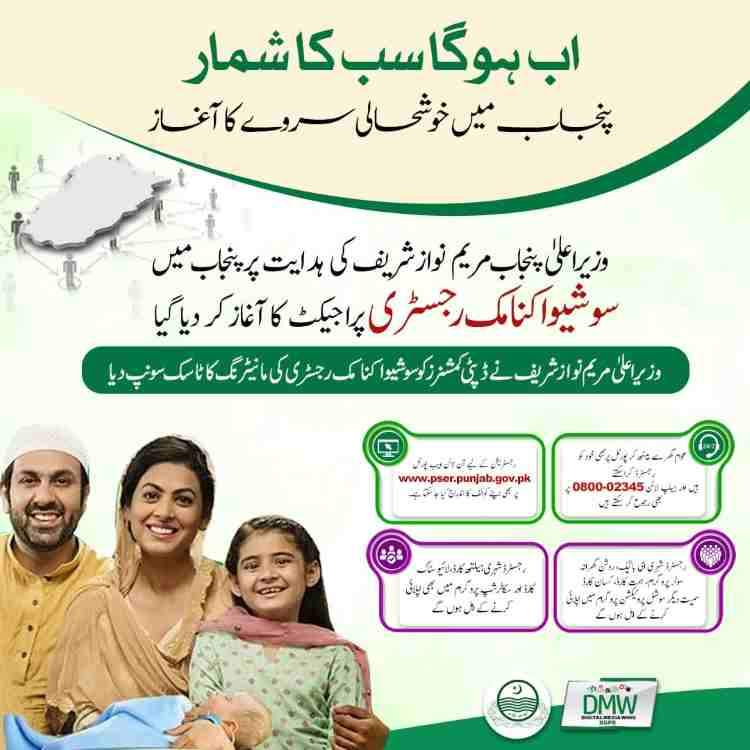
PSER Punjab registration is the process of enrolling your household into the Punjab Socio-Economic Registry, a centralized digital database capturing detailed socio-economic information about every family in Punjab province.
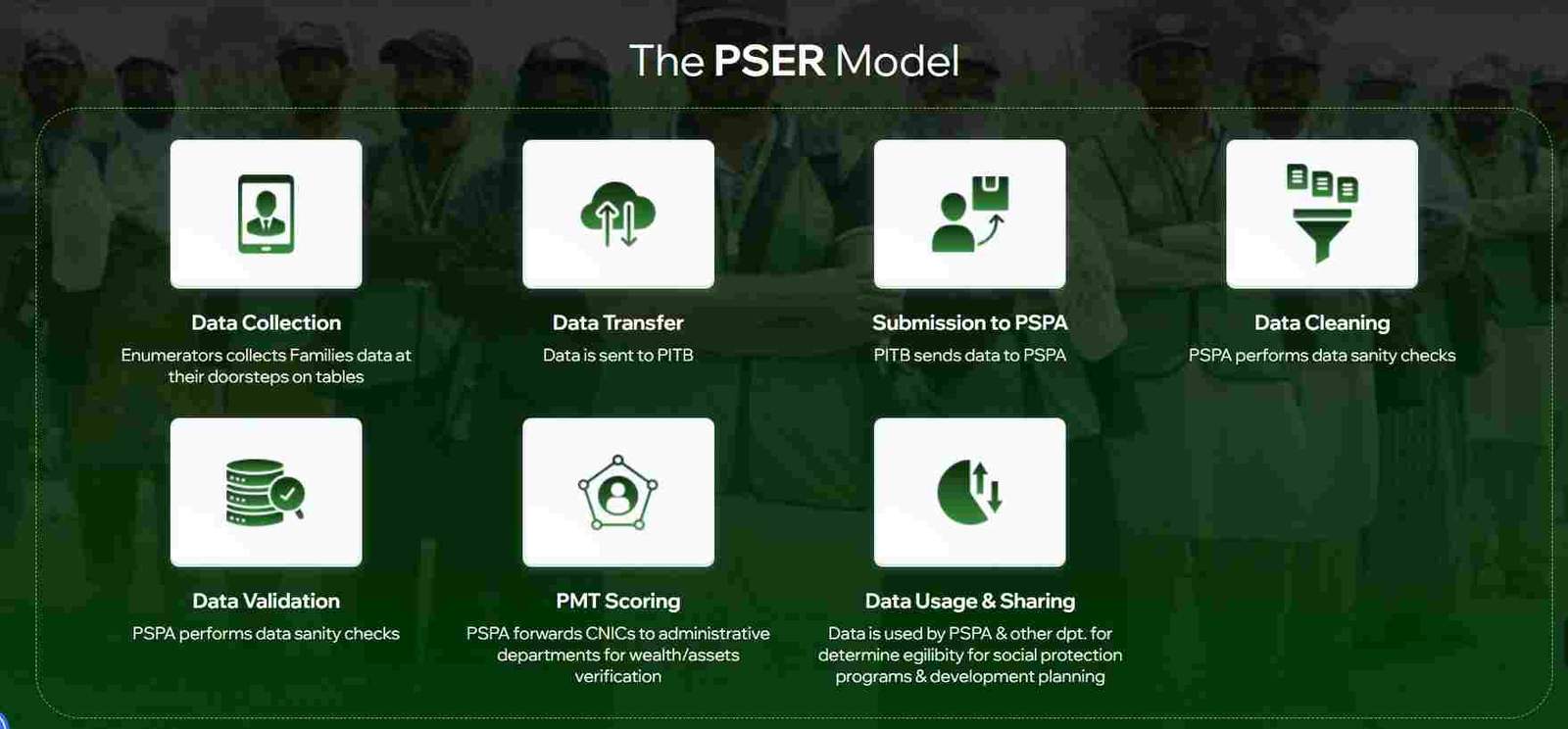
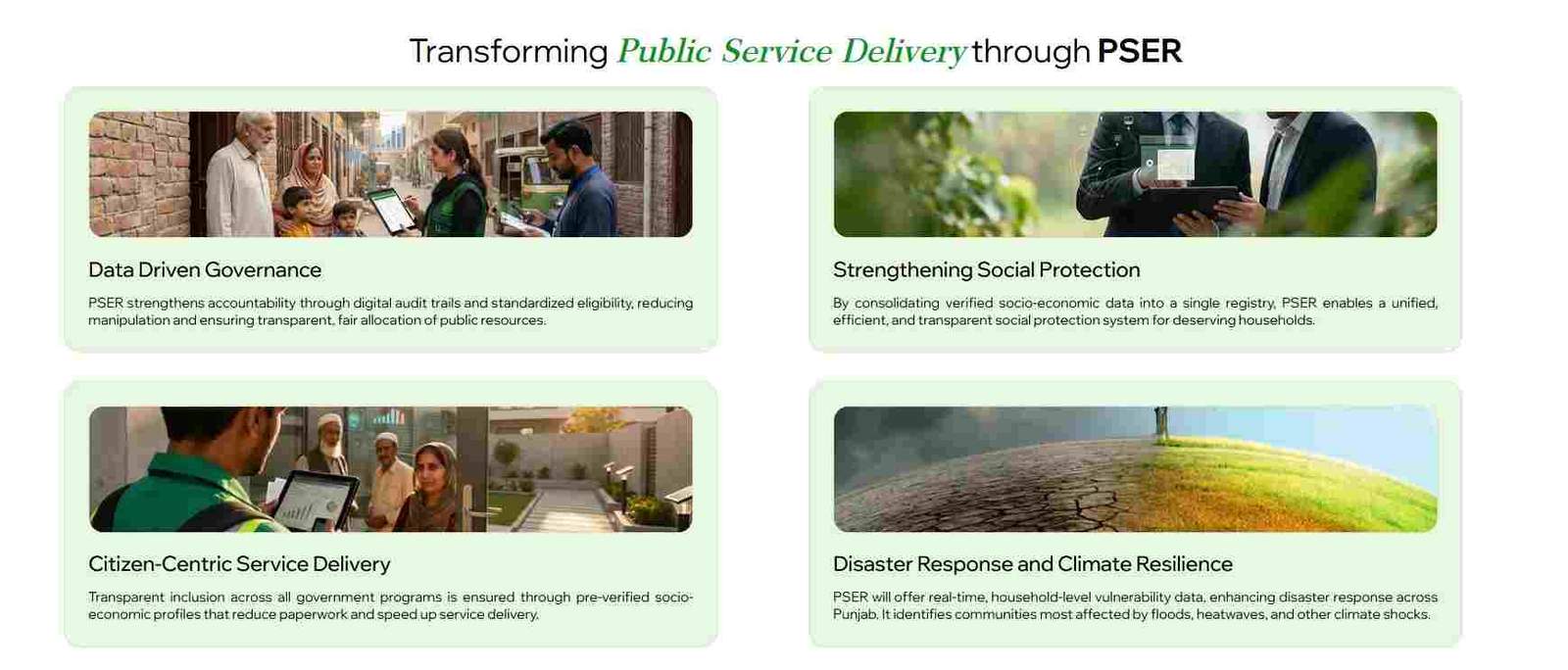
The PSER system serves as the foundational data infrastructure for evidence-based policymaking and targeted social protection. It is implemented by the Punjab Social Protection Authority (PSPA) in collaboration with the Punjab Information Technology Board (PITB), Urban Unit, and Punjab Bureau of Statistics, under the oversight of the Planning and Development Board.
Why Was the PSER Created? The Vision Behind the Registry
The government launched PSER to replace outdated, paper-based welfare targeting methods with a modern, dynamic, and accurate database. Key objectives include:
- Accurate Targeting: Identifying the poorest households with precision using data, not guesswork.
- Evidence-Based Policy: Enabling policymakers to design programs based on real-time socio-economic indicators.
- Resource Efficiency: Ensuring government funds reach only eligible families, reducing waste and leakage.
- Transparency: Creating a verifiable record that citizens can check and update, promoting accountability.
How Does the PSER Work? The Data-Driven Engine of Social Protection
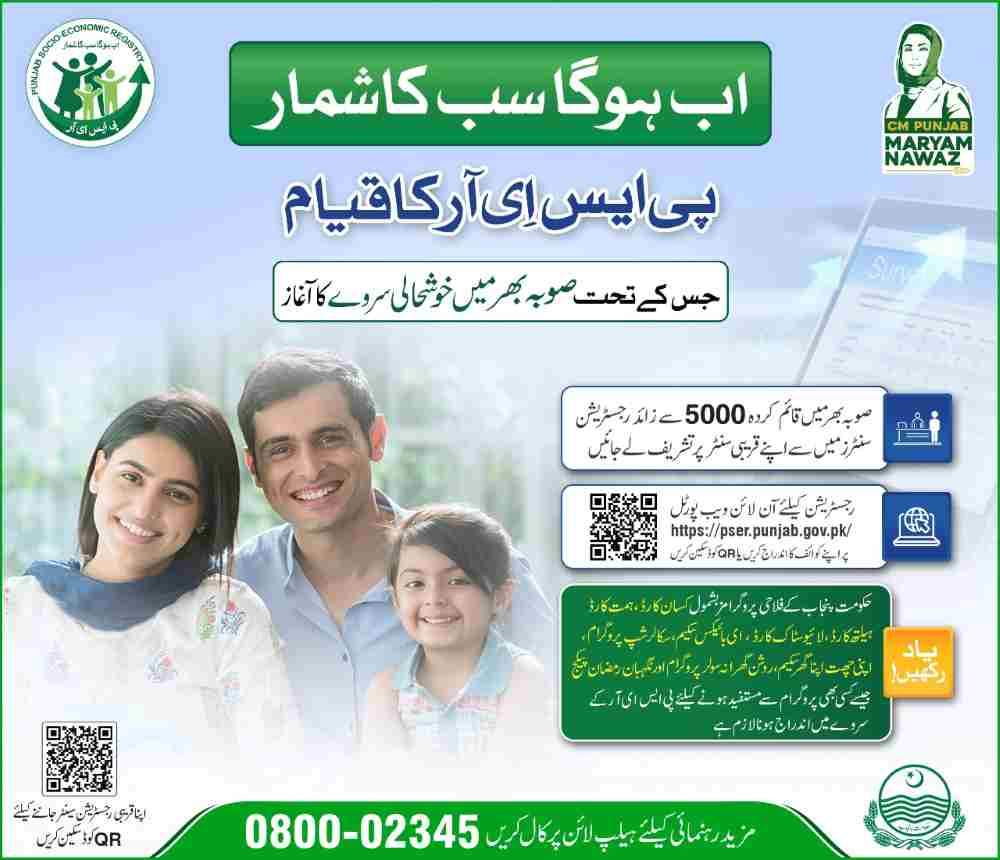
PSER operates through three primary data collection methods:
- Door-to-Door Survey: Enumerators visit every household in Punjab to collect information using tablets.
- Online Self-Registration: Citizens can register themselves at
pser.punjab.gov.pkor through the official mobile app. - Center-Based Registration: Over 5,000 designated centers across Punjab assist citizens without internet access.
Collected data is processed to generate a Proxy Means Test (PMT) score—a statistical estimate of household economic status based on assets, housing quality, education, and consumption patterns.
What is the Difference Between BISP and PSER?
- BISP (Benazir Income Support Program): A federal cash transfer program using its own National Socio-Economic Registry (NSER) for nationwide targeting.
- PSER (Punjab Socio-Economic Registry): A provincial database built exclusively for Punjab government programs, such as the CM Solar Scheme, Himmat Card, and Ramzan Package.
While both registries share the goal of poverty targeting, PSER focuses on Punjab-specific initiatives and is managed by the provincial government. Data integration between the two may occur to avoid duplication, but PSER registration is mandatory for Punjab schemes.
How to Complete PSER Punjab gov pk Registration Online (Step-by-Step Guide)
The online registration process at pser.punjab.gov.pk is designed to be user-friendly, but careful attention to detail is essential. Follow each step precisely.
What is the Official Website for PSER Punjab Registration?
The official website is pser.punjab.gov.pk. Always verify the URL before entering personal information. The homepage features a clear “Register” button, program announcements, and links to check eligibility.
A Step-by-Step Guide: How Can I Register Online for PSER Punjab?
Step 1: Access the Portal and Create Your Account
- Open your browser and go to
pser.punjab.gov.pk. - Click on the “Register” button on the homepage.
- Enter your CNIC number (without dashes), full name, and a valid mobile number linked to your CNIC.
- Create a password and confirm it. An OTP will be sent to your mobile for verification.
Step 2: Enter Head of Family Information
- The head of family is typically the primary earner or the person responsible for household decisions.
- Provide the CNIC, name, and date of birth exactly as per NADRA records.
- Important: The CNIC must be active and valid; expired or blocked CNICs cause application rejection.
Step 3: Add All Family Members
- List every person living in the household, including spouse, children, parents, and other dependents.
- For each member, enter:
- Full name (as per CNIC or B-Form)
- CNIC (for adults) or B-Form number (for children under 18)
- Date of birth
- Relationship to head of family
- Common Query: Can I register multiple family members on one PSER account? Yes—all family members are registered under a single family head.
Step 4: Provide Health and Disability Status
- Answer whether any family member has a disability or chronic disease.
- If yes, select the type of disability from the list:
- Upper limb disability
- Lower limb disability
- Mental disability
- Speech disability
- Hearing disability
- Visual disability
- This information directly impacts eligibility for the Himmat Card and other disability-specific schemes.
Step 5: Record Education Status
- For each member aged 10 and above, specify educational attainment:
- Cannot read a simple sentence
- Can read but no formal degree
- Primary, Middle, Matric, Intermediate, Bachelor, Master, or higher
- If never attended school, select the reason (e.g., financial constraints, unavailability, disability).
Step 6: Detail Employment and Income
- Provide the head of family’s employment status (employed, self-employed, unemployed, pensioner).
- State the main source of income (salary, business, agriculture, daily wage, etc.).
- Enter the average monthly cash income in Pakistani rupees.
- If the household has a bank account, provide bank name and account number (optional but recommended for direct transfers).
Step 7: Submit Contact Details
- Provide two active mobile numbers with their respective networks (Jazz, Zong, Ufone, etc.).
- These numbers will be used for OTP verification, scheme notifications, and updates.
- Troubleshooting: If you do not receive OTP, check network coverage, ensure the number is registered in your CNIC’s name, and wait 2-3 minutes before requesting again.
Step 8: Fill in Current and Permanent Addresses
- Select province, division, district, tehsil, union council, and city/village from dropdown menus.
- Indicate whether the area is urban or rural.
- Provide a detailed current address (house number, street, landmark).
- If permanent address differs, enter it separately.
Step 9: Declare Assets (The Most Critical Section)
This section heavily influences your PMT score. Answer all questions truthfully.
Housing Details:
- Ownership: Owned, rented, or rent-free
- Wall material: Baked brick, unbaked brick, mud, etc.
- Roof material: Concrete, iron sheets, mud, etc.
- Number of rooms
- Residential condition: Good, average, dilapidated
Utilities:
- Fuel type for cooking: Natural gas, LPG, wood, kerosene, etc.
- Toilet facility: Flush (private), flush (shared), pit latrine, none
- Drinking water source: Piped inside, piped outside, hand pump, well, etc.
- Electricity connection: Own meter, shared, illegal connection (must disclose honestly)
Livestock:
- If the household owns any animals (cows, buffaloes, goats, sheep, horses, poultry), enter the count.
Agricultural Land:
- Indicate whether any family member owns agricultural land.
- If yes, specify the total acreage and whether it is irrigated or rain-fed.
Transport:
- List any vehicles owned (car, motorcycle, tractor, rickshaw, etc.) with type and quantity.
Step 10: Agricultural Information (If Applicable)
- For those who own or cultivate land, specify cultivation type:
- Own cultivator
- Contract cultivator
- Shared cultivator
- Enter the size of cultivated land in acres or kanals.
Step 11: Answer Miscellaneous Questions
- Does any family member receive government financial help (BISP, Zakat, pension, etc.)?
- Has the family experienced the death of a child in the past year?
- Does the family have access to mobile or internet?
- Has the family been affected by natural disasters (flood, earthquake, etc.) in the past five years?
Step 12: Final Declaration and Submission
- Review all information carefully. A declaration box states that providing false information is a criminal offense.
- Click Submit.
- A confirmation message appears with a reference number. Save this number for future tracking.
Is There a Fee for PSER Punjab Registration?
No. PSER registration is completely free of cost. The government does not charge any fee for survey, online registration, or assistance at centers. If anyone demands money, report them to the PSER helpline immediately.
How to Check PSER Eligibility Online by CNIC
After registration, you can check your eligibility for various schemes using your CNIC on the PSER portal.
How Do I Check My PSER Eligibility Online?
- Visit
pser.punjab.gov.pk. - Click on “Check Eligibility” or “Check Status”.
- Enter your CNIC number (without dashes) and the verification code.
- Click Submit.
The system will display:
- Registration status (complete/incomplete)
- Your calculated PMT score
- Eligibility status for active schemes (e.g., CM Solar Scheme, Himmat Card, Ramzan Package)
How Do I Verify My CNIC in the PSER System?
CNIC verification ensures your identity matches NADRA records. If your CNIC is not verified, your application will not proceed. Common verification issues include:
- CNIC not found: Ensure the number is entered correctly (13 digits, no spaces). If the problem persists, visit a PSER center.
- CNIC expired: Renew your CNIC at a NADRA office before applying.
- Mobile number mismatch: The mobile number used for OTP must be registered with NADRA against your CNIC.
How Do I Check My PMT Score on the PSER Portal?
Your PMT score appears on the eligibility result page. It is a number typically ranging from 0 to 100, where a lower score indicates higher poverty and greater eligibility for welfare programs.
- PMT score below 32: Highly eligible for most schemes (e.g., Nigahban Rashan Program).
- PMT score 32–50: May qualify for some programs with higher cutoffs.
- PMT score above 50: Generally ineligible for poverty-targeted schemes unless special criteria apply.
Does PSER Registration Guarantee Government Financial Aid?
No. Registration is the first step—it creates a verified record of your household. Final inclusion in any scheme depends on:
- The specific scheme’s PMT cutoff score
- Available budget and number of beneficiaries
- Additional targeting criteria (e.g., disability status for Himmat Card, electricity consumption for solar panels)
What Happens if I Provide Wrong Information in the PSER Survey?
Providing false information is a serious offense. Consequences include:
- Immediate disqualification from all government schemes
- Removal from the PSER database
- Legal action under fraud and misrepresentation laws
- Blacklisting from future government programs
The government cross-checks data with NADRA, FBR, utility companies, and other sources to detect inconsistencies.
How Can I Update My Information in the PSER Database?
If your household circumstances change (new family member, change in income, disability onset, etc.), you can update your information:
- Online: Log in to your PSER account and look for an “Update” or “Edit” option. If available, you can modify details.
- Via Center: Visit any PSER facilitation center with original documents to request an update.
- Through Survey: Door-to-door survey teams revisit areas periodically; you can provide updated information then.
Updating ensures your eligibility remains accurate and prevents disqualification due to outdated data.
PSER Check Eligibility for Key Government Schemes
PSER registration is the gateway to multiple Punjab government initiatives. Below is how each scheme uses the registry.
Can I Register for the CM Punjab Solar Panel Scheme Through PSER?
Yes. The CM Maryam Nawaz Solar Panel Scheme exclusively uses PSER data to identify eligible households. Steps:
- Complete PSER registration and obtain a PMT score.
- The government identifies families with the lowest PMT scores and electricity consumption patterns.
- Selected households receive an SMS or can check eligibility on the PSER portal.
- Additional application may be required through the solar scheme portal, but PSER data pre-qualifies you.
How Can I Apply for the Himmat Card Through PSER?
The Himmat Card is for persons with disabilities. PSER captures disability information during registration. To apply:
- Ensure you accurately reported disability type and degree in the Health Status section of your PSER form.
- Once your PSER record is verified, you will automatically be considered for the Himmat Card.
- You can also visit a PSER center with your disability certificate to have the information validated.
Is PSER Registration Mandatory for the Nigahban Rashan Program?
Yes. The Nigahban Rashan Program (Ramzan Package and regular ration support) uses PSER data to identify the poorest households. Families with PMT scores below a specified threshold (usually 32) are eligible. Registration must be complete before the cutoff date for each distribution phase.
How Do I Register for the CM Maryam Nawaz Solar Program via PSER?
- Ensure your PSER registration is complete and verified.
- Wait for a government SMS or check the PSER portal for an application link.
- If a separate portal exists, you may need to log in using your CNIC; the system will pull your PSER data automatically.
- Submit any additional required documents (e.g., electricity bill, proof of ownership).
Troubleshooting and Advanced PSER Queries
Many users face issues during or after registration. Below are solutions to common problems.
How Long Does the PSER Verification Process Take?
- Online registration: Typically 7–14 days for initial verification.
- Door-to-door survey: Verification is often immediate upon data entry.
- If discrepancies are found, verification may take up to 30 days.
What Should I Do if My PSER Application is Rejected?
Common reasons for rejection:
- CNIC not verified (expired or blocked)
- Incorrect family data (missing members, wrong relationships)
- Asset misreporting (under-reporting vehicles, land, etc.)
- Income mismatch (discrepancy with FBR or utility records)
Action Steps:
- Log in to your PSER account to see the rejection reason.
- Gather original documents (CNICs, B-Forms, proof of residence, income statements).
- Visit the nearest PSER facilitation center with these documents to appeal or correct the record.
- Request a fresh verification.
How Do I Reset My Password on the PSER Web Portal?
- Go to
pser.punjab.gov.pkand click “Forgot Password”. - Enter your CNIC number and registered mobile number.
- An OTP will be sent; enter it to reset your password.
How Can I Track My PSER Application Status?
- Log in to your PSER account.
- The dashboard shows your current status: Draft (incomplete), Submitted (pending review), Verified (approved), or Rejected.
- If status is “Verified,” you can see your PMT score and scheme eligibility.
How Do I Find a PSER Registration Center Near Me?
- Visit
pser.punjab.gov.pkand look for the “Find a Center” link. - Enter your district or tehsil to see a list of centers with addresses.
- Centers are located at union council offices, tehsil complexes, and other government buildings. Over 5,000 centers exist province-wide.
Can Residents of Other Provinces Register for PSER Punjab?
No. PSER is exclusively for residents of Punjab. Only households with a permanent address in Punjab are eligible. If you reside in another province but have family in Punjab, you cannot register on their behalf unless you physically reside with them.
Can Overseas Pakistanis Register for PSER?
Yes, but with conditions. If you are an overseas Pakistani and your family resides in Punjab, you can assist in their registration. The head of family must be a resident of Punjab. You can:
- Guide family members through the online process.
- Visit a center when you are in Pakistan to help with the registration.
What is the Last Date for PSER Punjab Registration?
There is no fixed closing date for PSER registration because it is a dynamic database. However, for specific schemes (e.g., Ramzan Package, Solar Scheme), there are enrollment deadlines. Register as early as possible to ensure you don’t miss out.
What is the Helpline Number for PSER Punjab?
The official PSER helpline is 0800-02345. Support is available Monday–Friday, 9 AM to 5 PM. You can call for assistance with registration, status inquiries, and reporting issues.
How to Register for PSER Using the Android App?
- Search for “PSER Punjab” on the Google Play Store and download the official app.
- Open the app and tap “Register”.
- Enter your CNIC, name, and mobile number. Verify OTP.
- Follow the same steps as the web portal to fill in household data.
- Submit the application. The app also allows you to check eligibility and track status.
How to Use the PSER Registration Form 8171 Check Online?
The 8171 service is associated with BISP, not PSER. However, some users search for “8171” expecting PSER information. To check PSER status, always use the official PSER portal. If you need to check BISP eligibility, use the 8171 web portal separately.
Frequently Asked Questions (FAQs)
1. What documents are required for PSER registration?
You need CNIC for all adult family members, B-Form for children, proof of residence (optional), and any disability certificates if applicable. No physical documents are uploaded online, but you must have them available for verification.
2. Why am I not receiving the OTP for PSER registration?
Ensure the mobile number is correctly entered and registered in your name with NADRA. Wait 2–3 minutes and request again. If the issue persists, try a different network or visit a PSER center for manual registration.
3. How does PSER determine my poverty score?
The PMT score is calculated using a statistical algorithm that considers housing structure, assets owned, education level, employment status, and consumption patterns. Lower scores indicate higher poverty.
4. Can I register for the CM Maryam Nawaz Solar Program without PSER?
No. PSER registration is mandatory for the solar panel scheme. Without a verified PSER record, you cannot be considered.
5. What is the difference between PSER and 8171?
PSER is Punjab’s provincial registry for provincial schemes; 8171 is BISP’s national portal for federal cash transfers. They are separate systems.
6. How do I register for the Ramzan Package through PSER?
Registration for the Ramzan Package is automatic for PSER-verified households with a PMT score below the program threshold. No separate application is needed; you will receive an SMS when distribution begins.
7. Is there a fee for PSER registration?
Absolutely not. PSER registration is free. Report any demand for payment to the PSER helpline immediately.
Disclaimer
This guide is for informational purposes only based on official PSER program guidelines. Always refer to the official PSER portal and helpline for the most current information. The government may update procedures without prior notice.

Add a Comment